
PyVista Quick Look#
Press the space bar on a mesh file in the Finder and turn it with the mouse, the same
way macOS already previews .ply and .obj models.
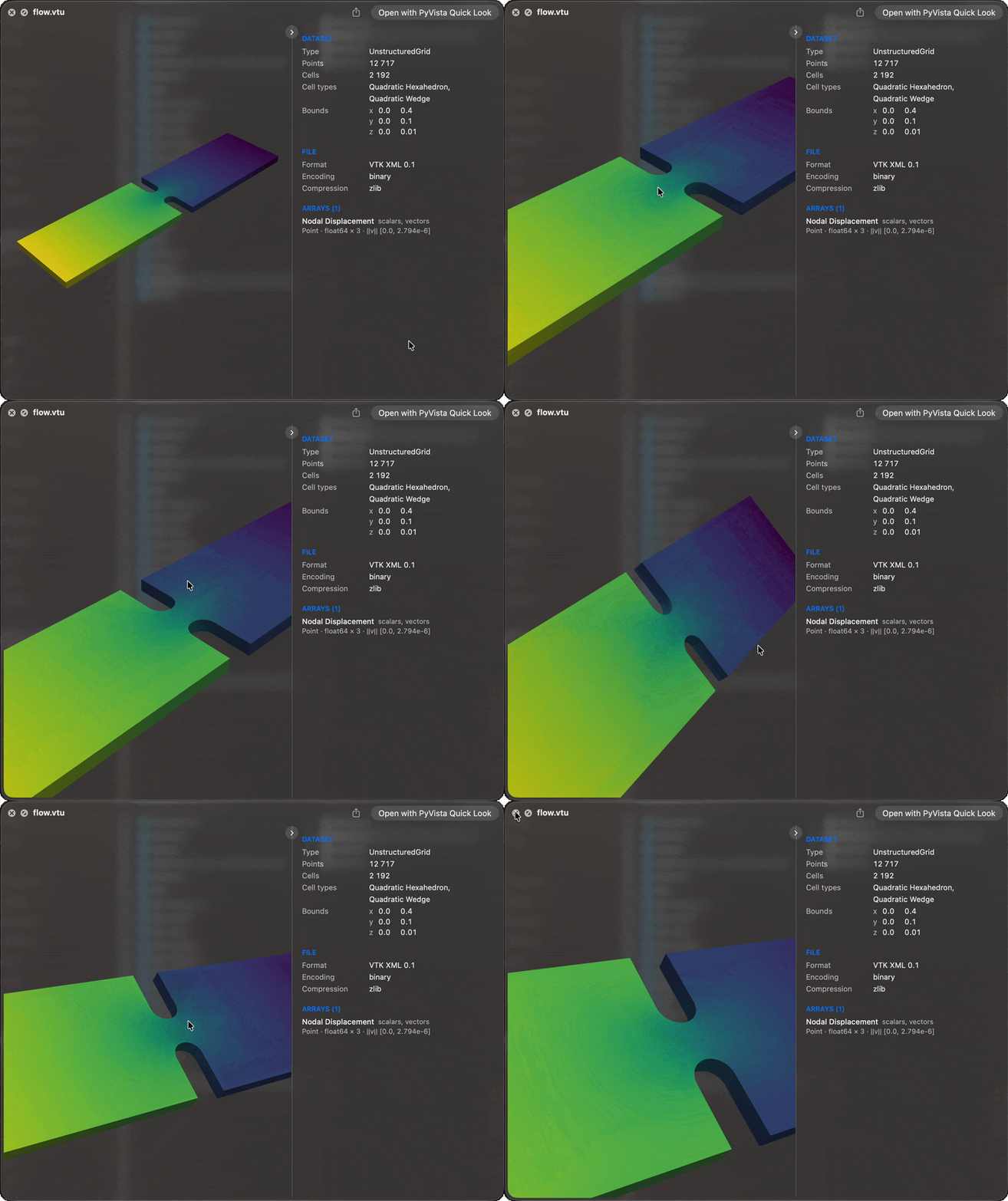
Selecting flow.vtu and pressing space shows its surface in the Quick Look panel,
coloured by the active scalars and free to rotate and zoom, with a panel of what the
dataset holds beside it. Over 80 formats that PyVista reads
are claimed, from VTK’s own to Exodus, Gmsh, NIfTI, STEP and OpenFOAM.
curl -LsSf https://github.com/pyvista/pyvista-quicklook/releases/latest/download/install.sh | sh
macOS 15 or newer. Nothing else needs to be installed first. Then select a .vtu,
.vtp, or .vtk file in the Finder and press space.
Note
A preview is for a quick look, not for measuring. Its geometry may be processed before it is shown: a large surface is thinned, a volume is cut into slices, cells are split apart to colour them. What you turn in the panel can therefore differ from the mesh PyVista loads from the file. The counts, bounds and ranges in the dataset panel describe the file itself.
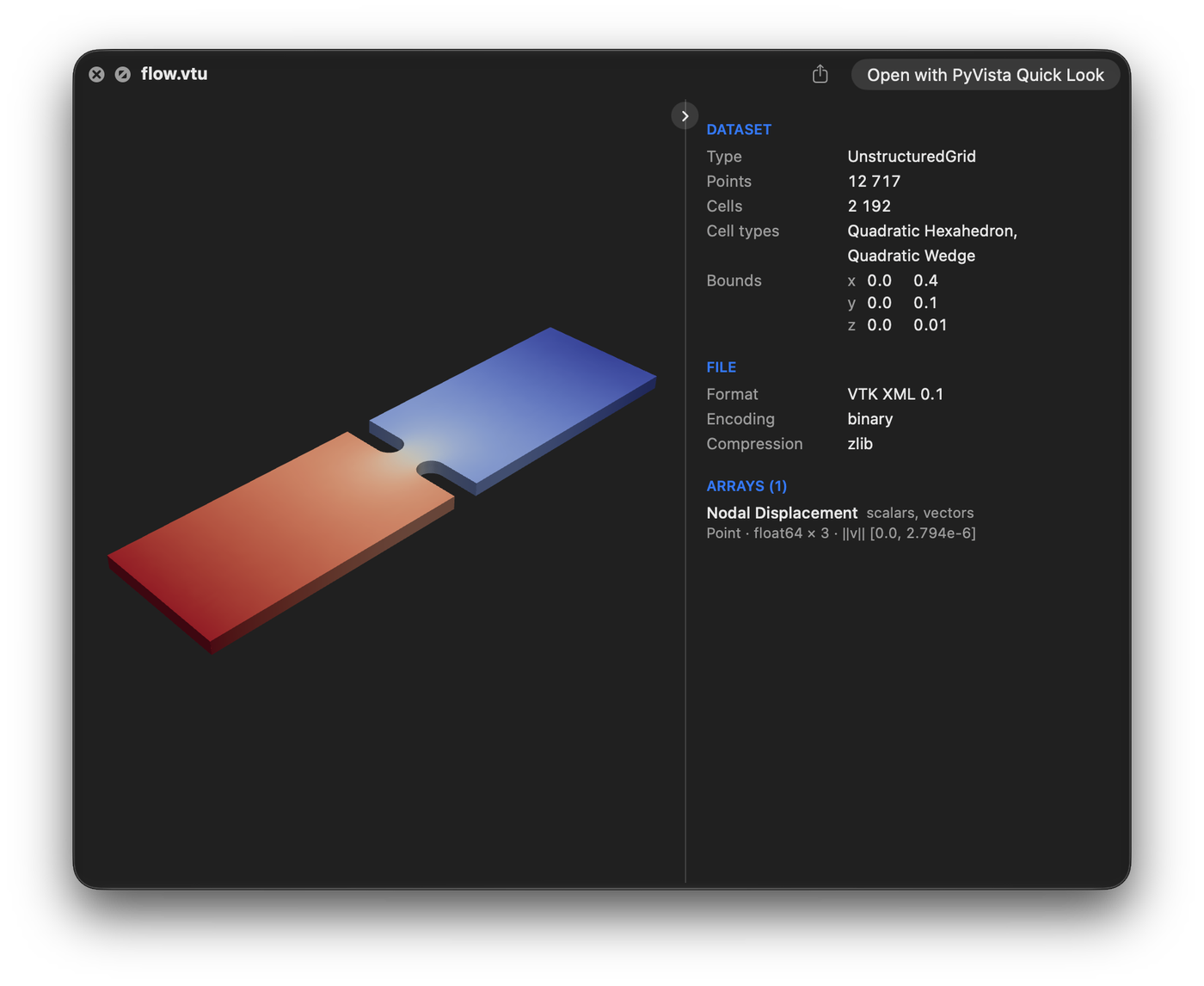
Type, points, cells, arrays and bounds, beside or below the preview, in your PyVista theme.
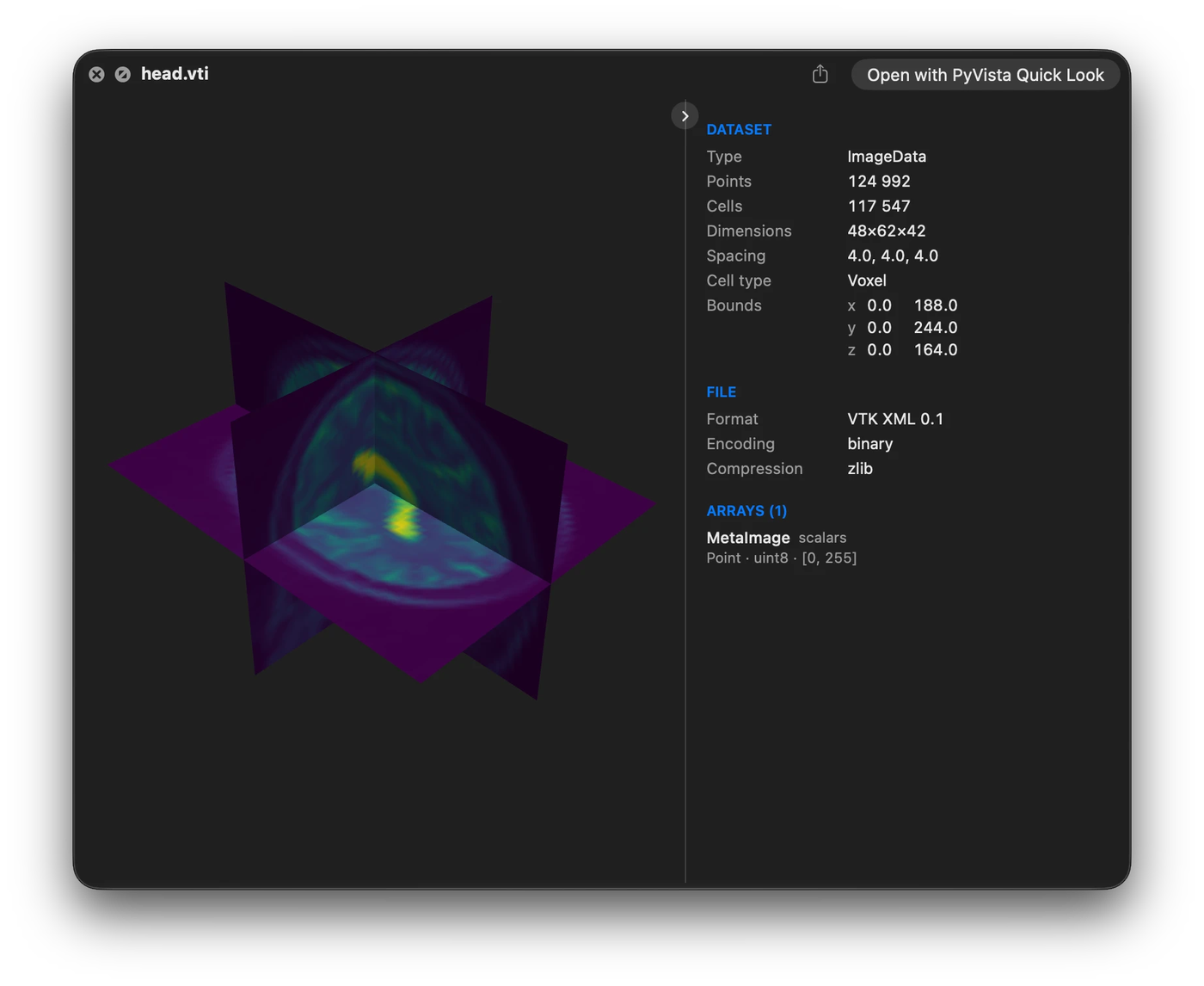
A volume with scalars is cut into three slices through its centre.
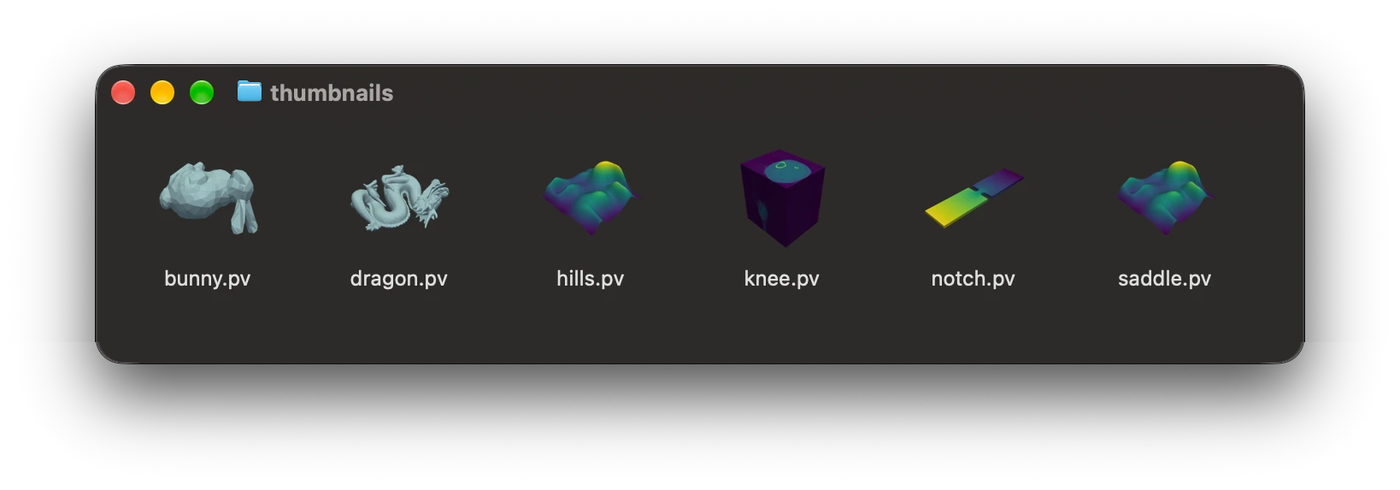
Files saved with a pyvista-zstd thumbnail show it as their icon.
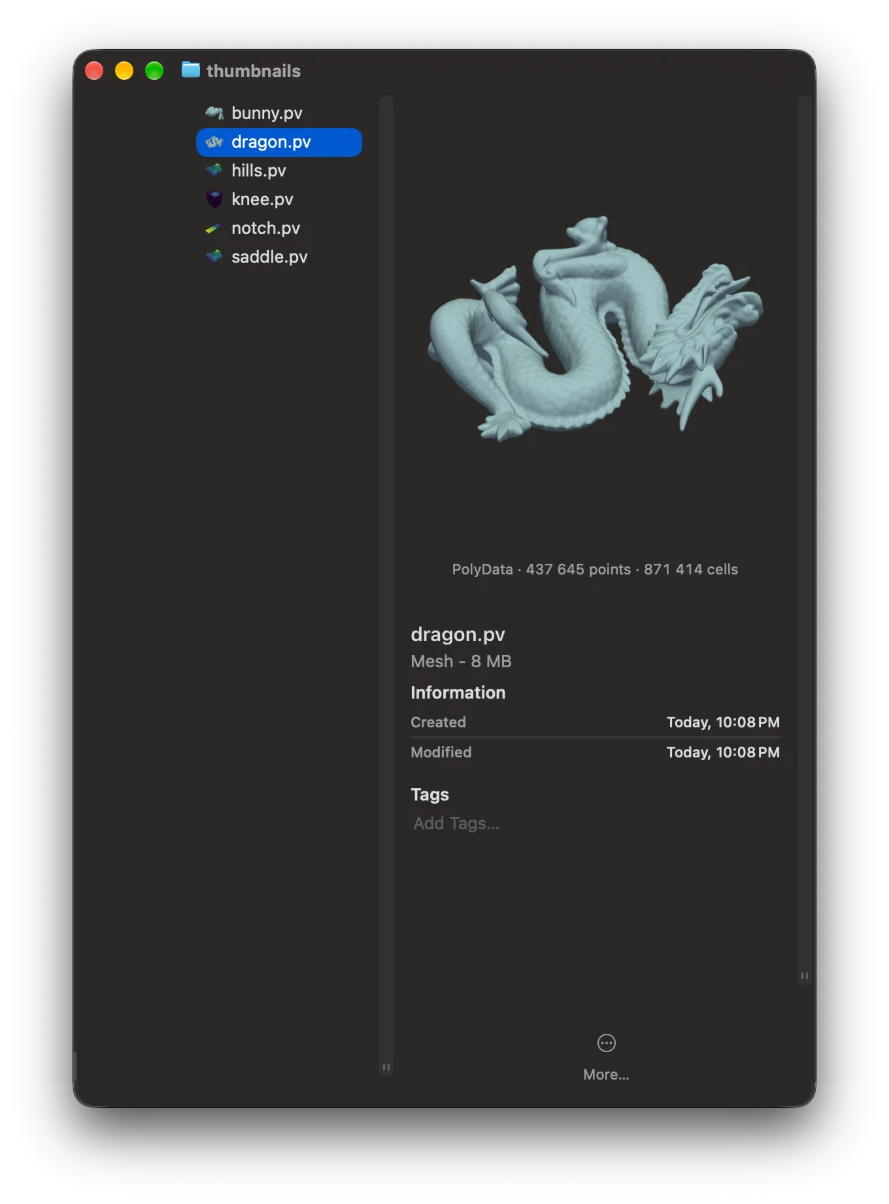
The Finder’s preview column shows the picture and what the dataset holds.